
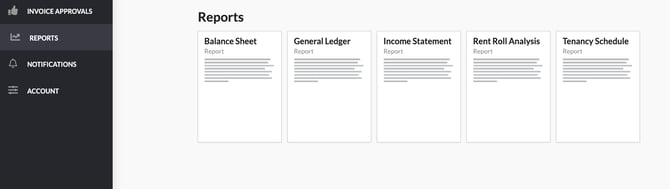
When logged into the owner portal, you can access owner statements and other reports your property management company provides you in Revela by navigating to the Reports tab.
If there are any available reports, you will see individual reports that you can click into to view. Note that each organization may have a different suite of reports that are available depending on their preferences and configuration.
To view a list of all expenses that are currently outstanding that the owner is responsible for paying, this can be viewed under the Expenses tab.
Once in the tab, you’ll see a total dollar amount for invoices owed at the top of the page. Below, individual invoices will be available for you to view and pay via the portal.