Overview
-
Purpose: This guide explains how property managers can track owners.
-
Target Audience: Property owners
Step-by-Step Instructions
To track a prospective owner contact as a Lead, you'll need to create the new owner contact by navigating to Portfolios > Owners, and clicking the 'Add Owner' button.
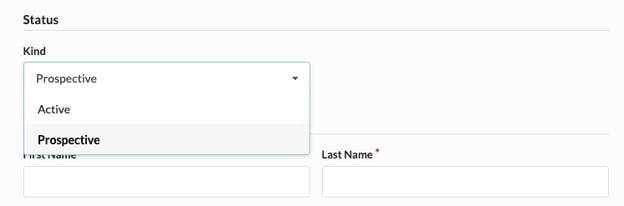
When you're prompted to fill out the fields for the new owner, select the 'Prospective' option from the ‘Kind’ field in the form below.
Once added and saved, you can filter the list of owners by Active or Prospective to easily find the contact you’re looking for.

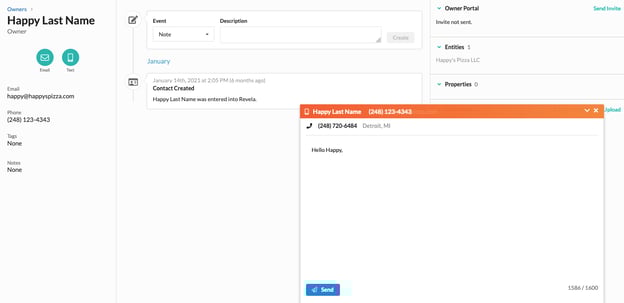
When you click on a Prospective owner contact, you'll be brought to their profile. There you can see the history of communication with that owner, schedule tasks for them, and send management agreements for signature when ready. Upon sending a management agreement to a Prospective owner, their status will change from Prospective to Active.