Overview:
- Purpose: Paying the full balance of an invoice.
- Target Audience: Tenants, Property Managers, and Employees.
Step by Step
- Log in to your Tenant Portal via https://(your domain).revela.co/tenants/dashboard
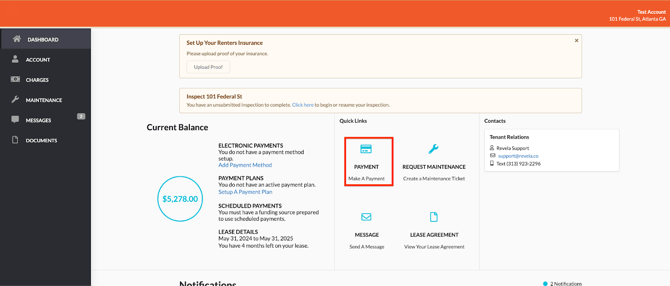
- Go to Dashboard → Click on the balance or "Make a Payment"
- Choose the payment method
- If you would like to make other than full balance, configure the amount by clicking on “Pay with Different Amount”.
- Review the convenience fee and click on Pay
How to Pay a Single Invoice
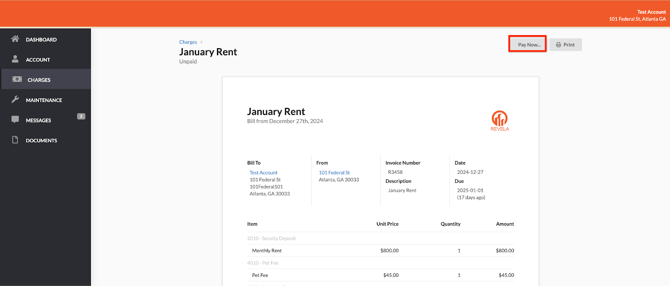
- Go to Charges
- Navigate to the Charges section on the tenant's dashboard.
- Select the Invoice
- Find the specific invoice they want to pay.
- Select only that invoice.
- Make the Payment
- Proceed with payment for the selected invoice.
- By following this process, the system will not bulk charge the entire balance.