
If a prospect reaches out because they were in the process of completing their application but lost access, you can resend them an access link to continue their application.
To resend an access link to a prospect with an unsubmitted application, navigate to Leasing > Leasing Pipeline > Unsubmitted Applications. Click the Send Reminder button on the right-hand side of the prospect who needs access.
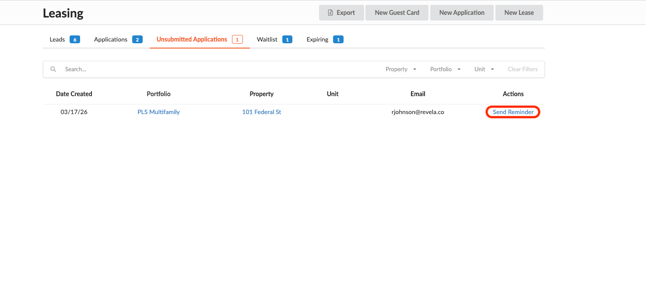
This will trigger an email notification to the prospect, including a link they can use to continue completing their application.