
Setting Up Owners
Owners should be created in Revela before setting up entities, since owners are assigned to entities during the entity creation process. To create an owner, navigate Portfolios > Owners and click the Add Owner button. Provide the owner’s name, email, and other relevant contact information.
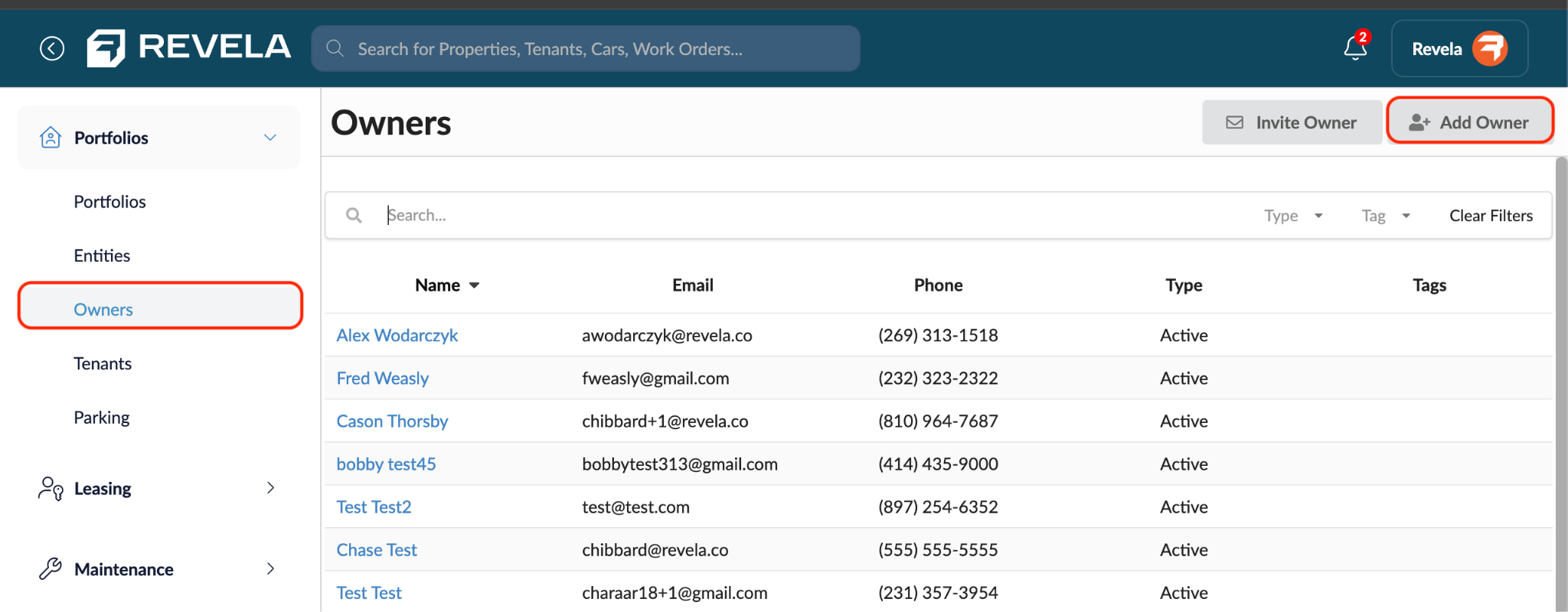
Each owner can be designated as Active or Prospective, which allows you to distinguish between current property owners and those who may be coming on board in the future. Once an owner record exists, it can be linked to any number of entities.