
Contact Groups offer a way to message a large set of people, such as tenants, owners, or vendors, instantly. Revela automatically keeps each group's membership up to date based on the current state of your portfolio, so the right people are always included without any extra maintenance on your part.
Contact Groups can be used to send mass email or SMS communications to your desired group of recipients.
Group Types
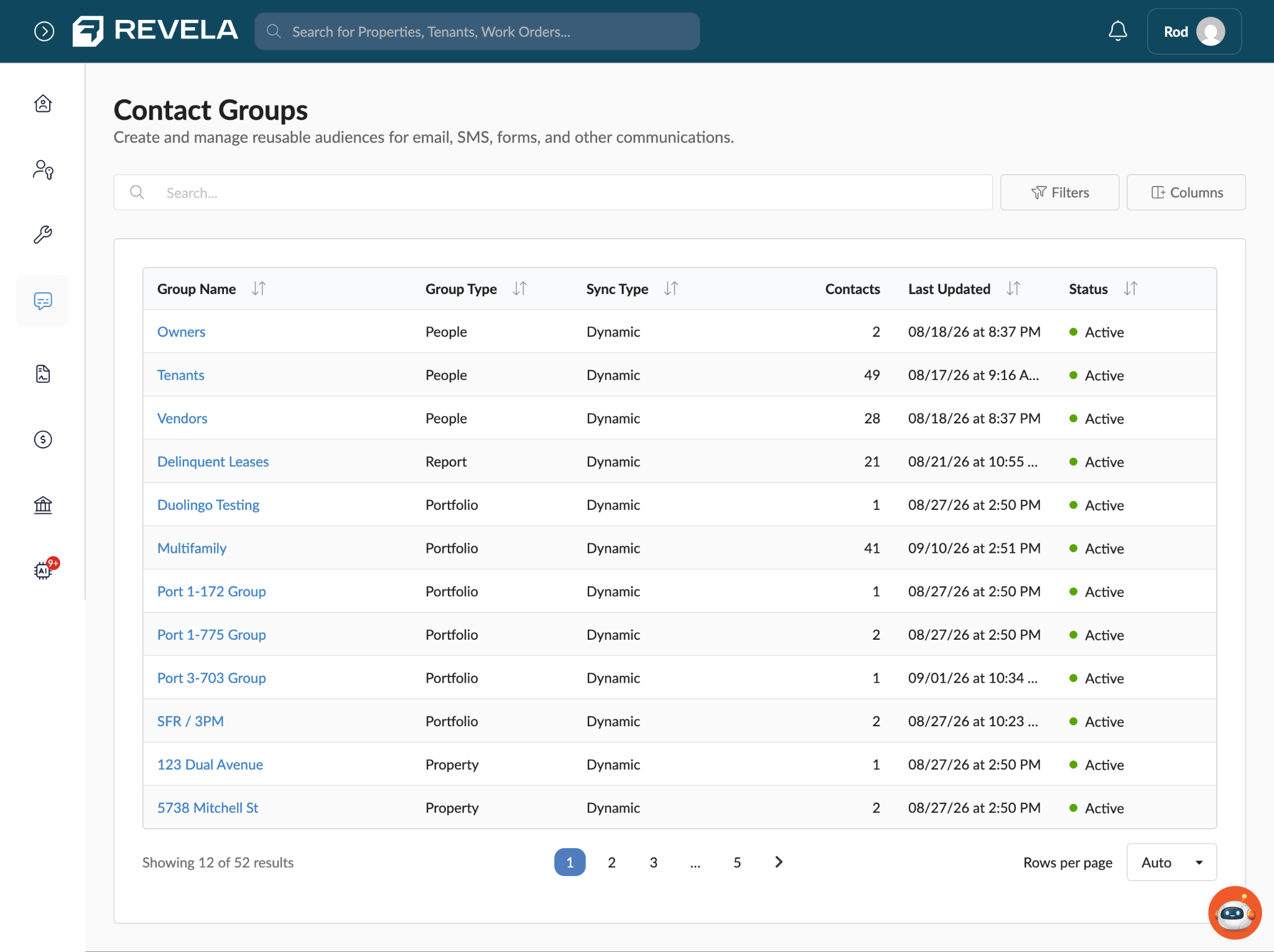
Contact Groups organizes recipients into a few different categories. These categories are found under Communications > Contact Groups.
- People groups - Owners, Tenants, and Vendors. The contact list updates automatically in real time as people are added to or removed from your portfolio.
- Report-based groups - Currently limited to a Delinquent Leases group, which includes everyone with an outstanding balance as of right now.
- Portfolio, Property, and Unit groups - This category allows you to scope a message to everyone associated with a specific portfolio, property, or unit.
Each group's detail view shows a plain-language description of who's included, when it was last updated, its current status, and how many contacts it currently includes.
How Tenant Groups Are Built
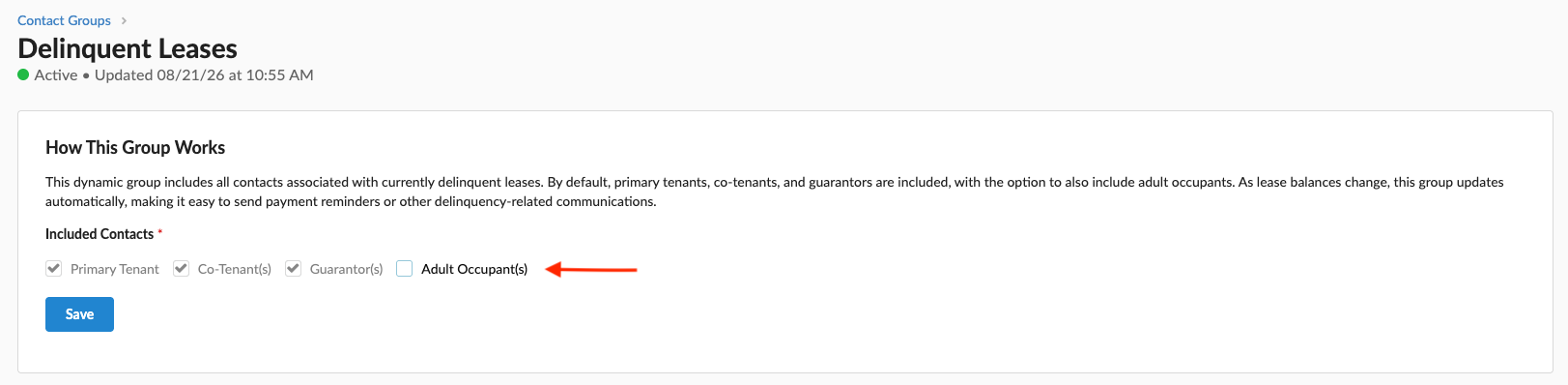
A Tenants group includes all active primary and co-tenants across all portfolios by default. From the group's settings, you can also choose to include guarantors (useful when you need to reach the person who is financially responsible for a lease) and adult occupants living at the unit. Someone becomes part of a Tenants group as soon as they're associated with an active lease; activating the tenant portal is not required for a tenant to appear in the group.
Note: Minors are excluded from Contact Groups entirely and cannot be added, even if an email address or phone number is on file for them.
Filtering and Empty Groups
By default, portfolios, properties, or units with zero contacts are hidden from the group list, since an empty group provides no value when you're selecting recipients. Click the empty groups toggle to reveal them, for example, if you need to confirm why a property or unit isn't appearing where you expect it.
You can also filter the Contact Groups list by group type and status to narrow down to the group you're looking for.
Sending to a Contact Group
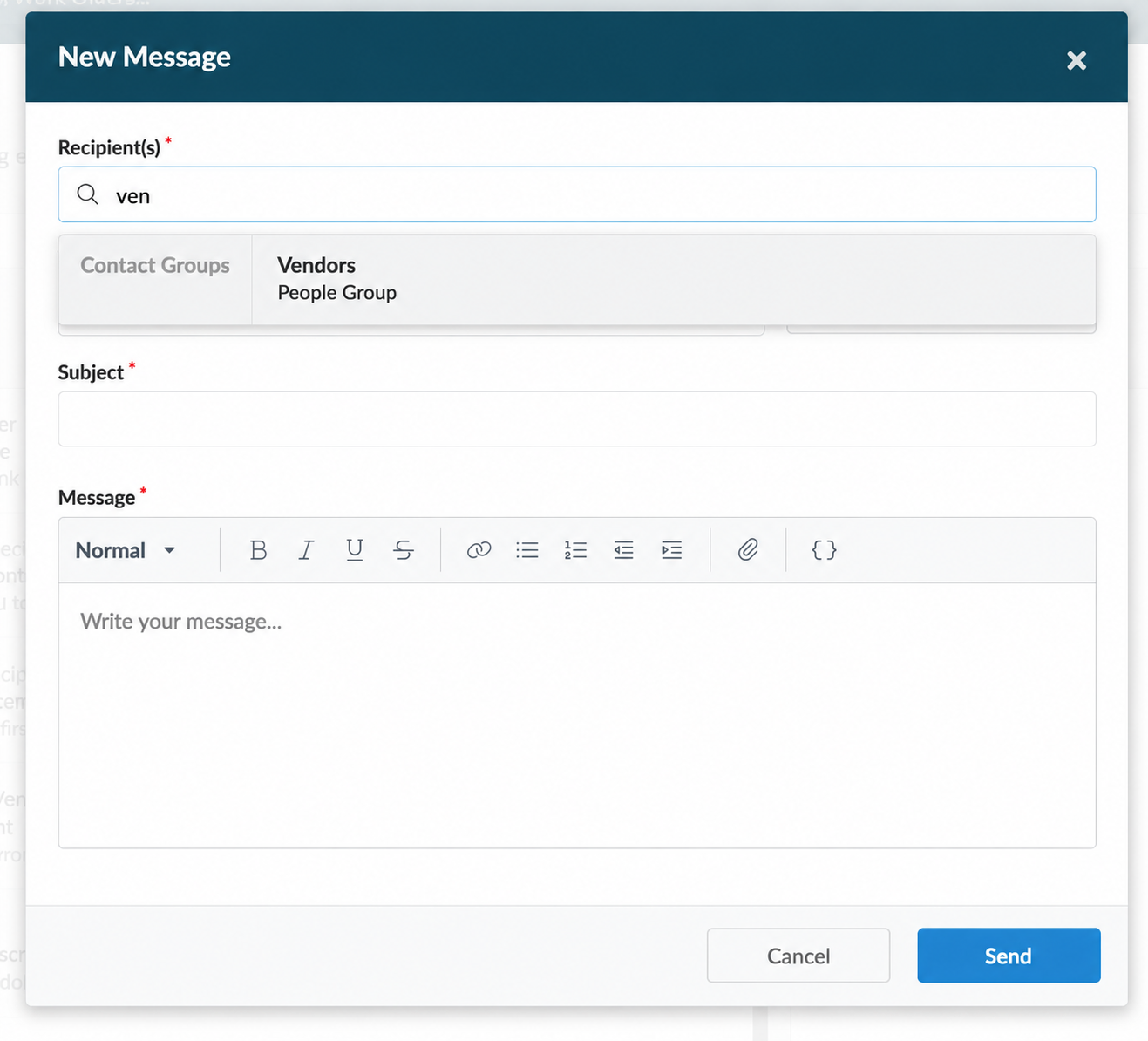
When composing a message, start typing the name of a group (e.g. "tenants") to find it in the recipient selector. Selecting a Contact Group displays a notice that the message will be sent to each recipient individually, rather than adding everyone to a single shared email thread or SMS group thread. This means that if a recipient replies, their reply comes back to you individually rather than into a group reply-all chain.
After sending, Revela reports how many recipients received the message and how many were skipped, along with the reason, for example, a contact record with no email address on file for an email send, or no phone number on file for an SMS send.
Delivery History
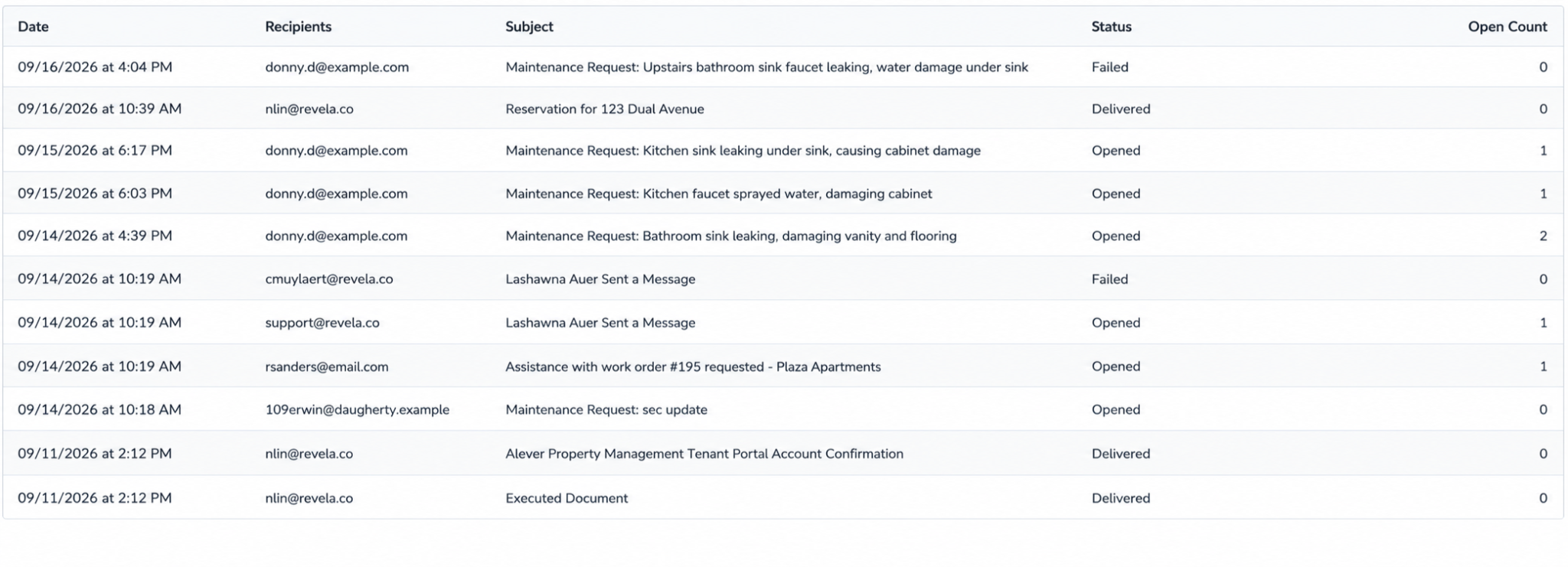
Each method of communication in Revela (SMS and Email) includes a Delivery History page that shows the delivery status of every SMS/email message that has been sent. Statuses include Delivered, Pending, or Failed, along with a failure reason when applicable.
Tips & Best Practices
- Use a People group whenever your intent is "everyone currently in a given role," such as all tenants or all owners, so you never have to remember to update a list as leases start or end.
- Because replies to a Contact Group message come back to you individually rather than as a group thread, Contact Groups are well suited to blast-style communications where you don't need or want recipients to see each other's replies.
- When messaging tenants about something that affects the whole household, such as a policy change or a maintenance notice, include adult occupants alongside primary and co-tenants so no one is missed.
- After sending, check the skipped-recipient count. A high number of skips can point to missing contact information across several records that's worth cleaning up.