
There may be times when a tenant needs to be issued a credit for charges such as rent, late fees, or other miscellaneous items. We recommend creating credit presets in Revela to easily add frequently used credits to tenant ledgers.
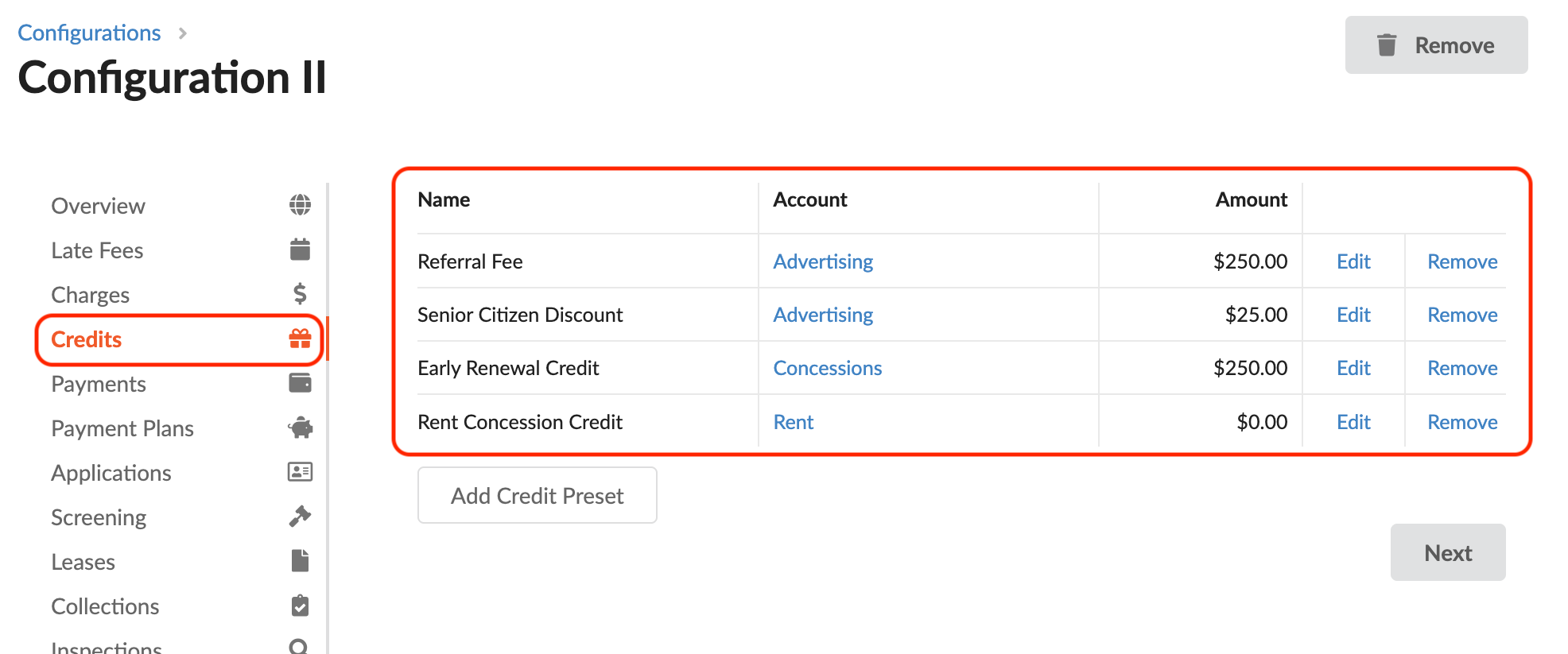
To add a new credit preset, navigate to Setup > Configurations and select the Portfolio configuration the new credit preset will be added to. Under the “Credits” section of Configurations, select the Add Credit Preset button.
Enter the required details of the credit, including:
- Name - This is the name of the credit that will appear on the tenant ledger
- Amount - This is a predetermined amount which can be used to streamline the process. If there is no predetermined amount, leave this as $0.00.
- Account - The GL Code to which this credit should be applied.
Once the required details have been finalized, click Create to finalize your credit preset.